Custom Shopify design or a ready theme: when is a theme enough?
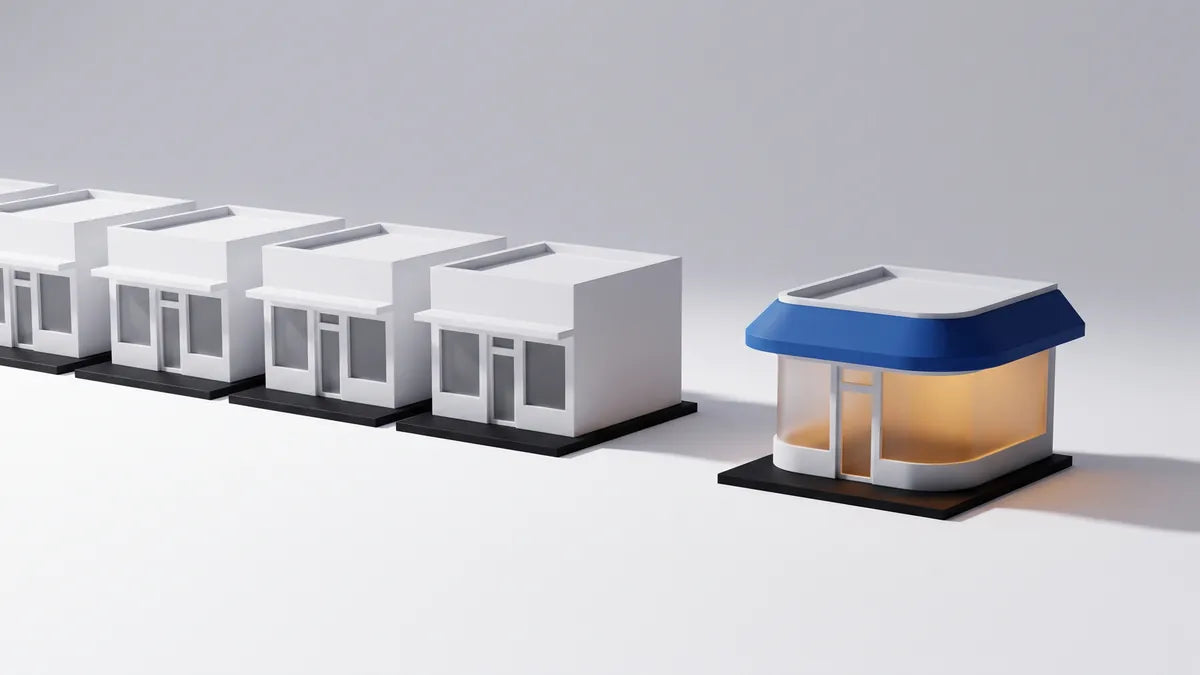
You are about to pay for a store, and two people have told you opposite things. One says a theme is all you need. The other says a template will make you look like everyone else.
Both are right, for different stores. This is how to tell whether custom Shopify design is worth its cost for yours, or whether a ready theme will do the job. For many stores, especially new ones, it will.
When a ready theme is the right call
Shopify has free themes, and paid themes are a one-time purchase, typically a few hundred dollars. Both are built to work on phones, and you edit them yourself in the theme editor without code (Shopify’s help center shows how).
A theme is the right choice when:
- The product is new. You do not yet know who buys or why. Spending on design before you have sales is spending on a guess.
- The budget is small. Money is better spent on good photos and the first ads than on a layout. Photos carry a theme further than any setting does.
- You are testing an idea. If the store may not exist next year, it does not need its own design.
- The product is simple to understand. A shopper sees the photo, reads the price and knows what they are getting.
Many stores should start on a theme, and move to custom design once sales show what the store needs to say.
Before you pick one, open the theme’s demo store on your phone and run it through PageSpeed Insights. A demo that is slow with perfect photos will not get faster with yours. The full bill for a theme-based store, plan and apps included, is in how much a Shopify store really costs.
The honest limit of a theme: it was designed for nobody in particular. It gives you slots, and your brand has to fit the slots.
When custom Shopify design earns its cost
Custom design costs more and takes a designer’s time, so it has to pay for itself. In our experience it does in these situations.
The brand has to look like itself. If people buy from you partly because of how the brand feels (a gift, jewelry, something handmade, anything sold at a premium), a store that looks like every other store works against the price. The design is part of the product.
The product needs explaining. Some products do not sell from a photo and a price. They need a comparison, a how-it-works section, sizing help, proof. A theme gives you a fixed set of blocks to arrange. A custom page is built around the questions your buyer asks, in the order they ask them. That order is described in the anatomy of a product page that sells.
The template is holding sales back. You have traffic, the product is good, and people still leave. First find out where, using why visitors leave your store without buying. If the cause is the layout itself, a rebuild can help.
At PerfumeBar X, whose new Shopify store we built, revenue per visitor rose 21.5% and the conversion rate rose 8.5% in the first 14 days after launch, compared with the 30 days before. One store’s result, not a promise.
What “custom” really means on Shopify
The word is used loosely, so ask which of these you are being sold.
| What it is called | What it really is | Fits when |
|---|---|---|
| A customized theme | A ready theme with your logo, colors, fonts and photos set in the theme editor | You are starting out, and the theme already suits the product |
| A theme with custom sections | A ready theme plus a few sections coded for you | The theme is nearly right and a page or a section needs more |
| A custom design | A design drawn for your brand first, then built as your own theme | The store has to look and sell like no other |
Whichever it is, a few things stay the same. A well-built custom store is still a Shopify theme: you can change texts, images and whole sections in the theme editor without calling anyone. If you cannot, it was built badly.
The checkout stays Shopify’s own. You can put your logo and colors on it, but its steps are the same for every store on the regular plans. That is a good thing: shoppers already know it. Be careful with anyone who promises to redesign it.
And custom does not mean more apps or more effects. A custom store should load faster than a theme, not slower, because it carries only what your store uses.
Questions to ask anyone you hire
These work for a freelancer, an agency or a studio like ours.
- What is underneath. Is the design made for your brand, or is it a theme with your logo on it, and which theme?
- Who owns the store. It should sit in your own Shopify account, with you as owner and full access.
- What you can edit. Texts, photos and sections should be yours to change after handover, in the theme editor.
- Which apps it depends on. Each one is a monthly bill. Ask for the list and the total.
- How it looks and loads on a phone. Ask to see the phone design first, and a speed test of a store they have built.
- What happens when it is late or wrong. Get the date, and what you are owed if it is missed, in writing.
- What happens after launch. Who fixes things, for how long, and what it costs.
For comparison, here is how we answer them at ELEVEN: the design is made for your brand, the store sits in your Shopify account with full access, you get training to run it, and the launch date carries a guarantee. The details are in the Ecommerce Scaling System.
What to do first, today
Answer one question honestly: do you already have sales? If not, pick a theme, put your best photos in it and start selling. You can move to custom Shopify design later, with real data about who buys, and nothing you built is lost: the products, the customers and the domain stay.
If you do have sales, open your store on a phone next to a competitor’s and ask which one you would trust with your card. If the answer is not yours, write down why. That list is the start of your brief.
More from the journal
-
 5 min read
How much does a Shopify store really cost in 2026, line by line?
-
 5 min read
Why visitors leave your store without buying, and how to fix it
-
 5 min read
Shopify SEO checklist for a new store: what to do in week one
